New
Real Firebase push notifications for every Sngine notification and chat message. Now ready for Sngine 5 and the new nova theme, with a one-click installer that also repairs FireNotify after Sngine updates.
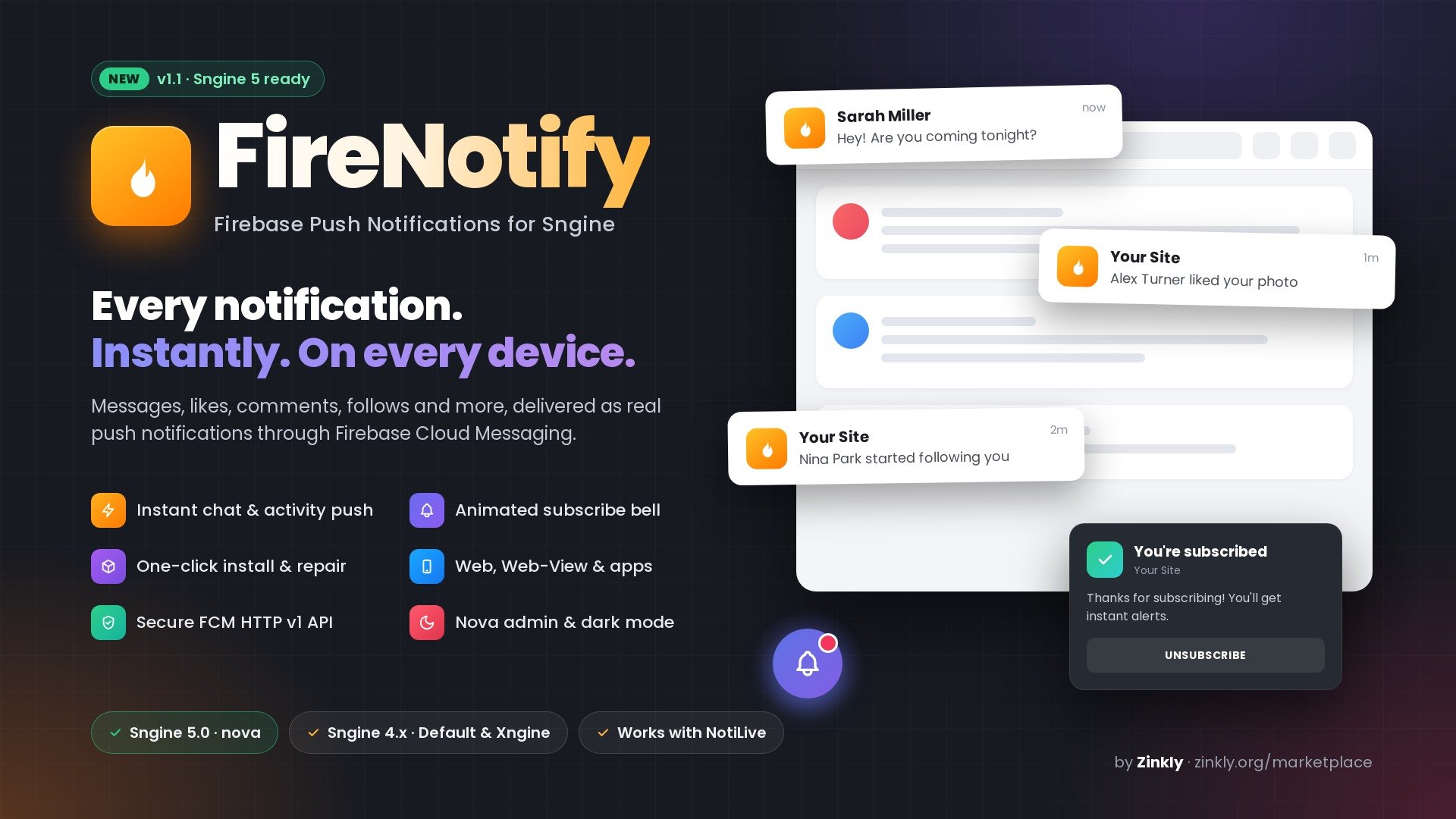
NEW in 1.1: ready for Sngine 5.0. FireNotify now supports the new nova theme, with a Firebase section in the new AdminCP design, a subscribe bell that matches nova's light and dark mode, and an installer that puts FireNotify back after the Sngine 4.5 → 5.0 update. Your Firebase settings and subscribed devices are kept.
Your members miss what happens on your site the moment they close the tab. FireNotify fixes that.
FireNotify connects Sngine to Firebase Cloud Messaging (FCM), Google's free push service, and sends a real push notification the moment something happens: a new chat message, a reaction, a comment, a mention, a friend request or a new follower. Pushes arrive on desktop and Android browsers, installed PWAs on iPhone/iPad, Web-View apps and native apps, even when your site isn't open.
WHAT IT DOES
• Instant pushes for more than 100 personal Sngine notification types: chat messages, reactions, comments, replies, mentions, shares, wall posts, friend requests, follows, pokes, gifts, subscriptions, group/page/event invitations, live streams, marketplace orders, wallet and withdrawal updates, reviews, paid posts and messages, approvals, support tickets, merits and more
• Clicking a push opens the right page: the conversation, post, profile or ticket
• Uses the modern, secure FCM HTTP v1 API (service-account authentication, no legacy server key)
• Pushes are sent in each member's own language
SMART SUBSCRIBE BELL
• An animated bell invites members to turn notifications on, with a clean panel that follows your site's light and dark mode
• A success animation and a welcome notification when they subscribe, then the bell hides itself
• If notifications are blocked, it shows simple numbered steps to unblock them
• Never freezes on browsers that hide their permission prompt
• Comes back by itself if a member turns notifications off; members can hide it until their next sign-in
ADMINCP CONTROL
• One switch in AdminCP › Settings › Notifications › Push Notifications
• Paste your Firebase service account and web config; FireNotify checks the connection with Google before saving
• Replaces OneSignal for Web Apps to avoid double pushes, while Messaging and Timeline apps can keep using OneSignal
SAFE AND CLEAN
• Expired or uninstalled devices are removed automatically
• One device follows one account, so shared browsers never get someone else's notifications
• Admin "Login as" never attaches the admin's devices to a member
• Keeps working when PWA mode is turned off
ONE-CLICK AUTO INSTALLER
• Upload the files, open firenotify/install.php and click Install
• Checks your server and the theme your site uses, backs up every file it changes and validates the code before saving anything; if any step fails, nothing on your site is changed
• Adds its code into your existing files instead of replacing them, so other add-ons keep working
• Update and Repair buttons after FireNotify, Sngine or theme updates, and a full Uninstall that restores your files exactly
FOR APP DEVELOPERS
• API endpoint for native apps: POST /apis/php/user/fcm
• JavaScript hooks for Android and iOS Web-View wrappers
• Messages include a link and the notification type, for custom handling in your app
WORKS WITH NOTILIVE
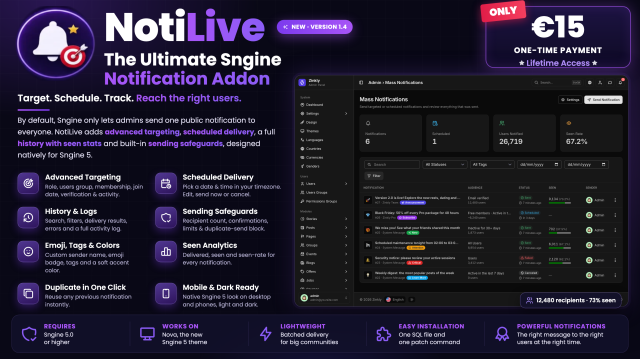
FireNotify is fully compatible with NotiLive, our notification add-on for sending styled announcements and targeted notifications from AdminCP.
Get NotiLive: https://zinkly.org/marketplace/12
Initial release
Added
Sign in to review.
Sign in to join the discussion.
Be the first to ask something.
Ask questions in the Discussion tab. Buyers with active support get answers from the author.
Message the author Private, only you and the author see it.
 ZinklyStudio